Available Now: GPT-5.1 in Microsoft Copilot Studio
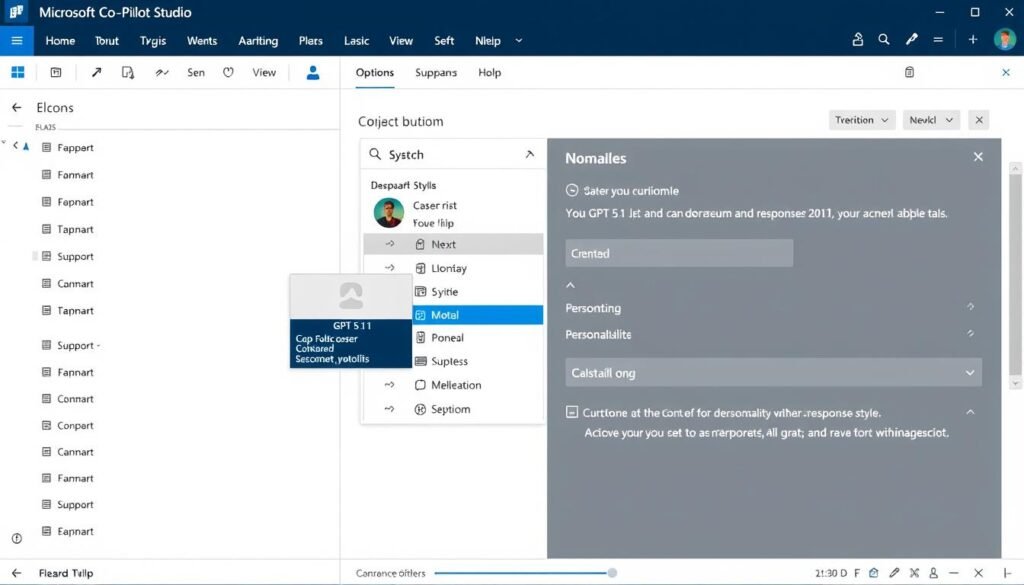
Microsoft has officially integrated OpenAI’s latest GPT-5.1 model into Copilot Studio, marking a significant advancement for businesses looking to create more intelligent, responsive, and personalized AI experiences. This integration brings enhanced reasoning capabilities, improved conversation skills, and customizable AI personalities directly to Microsoft’s low-code bot-building platform.
The arrival of GPT-5.1 in Microsoft Copilot Studio represents a major step forward in making enterprise-grade AI more accessible and effective for organizations of all sizes. Let’s explore what this powerful update means for developers, business users, and the future of conversational AI solutions.
What is GPT-5.1 and Why It Matters for Copilot Studio
GPT-5.1 represents OpenAI’s latest advancement in large language model technology, building upon the foundation of GPT-5 with significant improvements in reasoning, conversational abilities, and personality customization. Released just weeks ago, GPT-5.1 introduces two specialized variants: GPT-5.1 Instant for quick, natural responses and GPT-5.1 Thinking for complex reasoning tasks.
For Microsoft Copilot Studio users, this integration means access to an AI model that’s not only more intelligent but also more engaging and natural in its interactions. The model demonstrates enhanced understanding of context, improved response accuracy, and the ability to maintain more coherent conversations across complex topics.
What truly sets GPT-5.1 apart is its expanded personality customization options. The model now supports multiple conversational tones including Professional, Friendly, Candid, Quirky, Efficient, and Nerdy – all of which are now available to customize your Copilot Studio bots.
Ready to explore GPT-5.1 capabilities?
Microsoft Copilot Studio puts the power of advanced AI at your fingertips with an intuitive, low-code interface.
Key Features of GPT-5.1 in Microsoft Copilot Studio

Enhanced Reasoning
GPT-5.1 demonstrates significantly improved reasoning capabilities, particularly for complex business scenarios. The model can now better understand multi-step problems, analyze data relationships, and provide more accurate solutions to challenging queries.
Personality Customization
Choose from multiple personality presets to match your brand voice. Options include Professional, Friendly, Efficient, Candid, Quirky, and Nerdy tones, allowing you to create AI experiences that align perfectly with your organization’s communication style.
Adaptive Response Modes
GPT-5.1 intelligently switches between “Instant” mode for quick, conversational responses and “Thinking” mode for complex queries requiring deeper analysis, providing the optimal balance of speed and thoroughness.
Improved Context Handling
The model maintains better awareness of conversation history, allowing for more coherent multi-turn interactions and reducing the need for users to repeat information or provide additional context.
Enhanced Instruction Following
GPT-5.1 demonstrates superior ability to follow specific instructions and constraints, making it more reliable for business processes where accuracy and adherence to guidelines are critical.
Seamless Integration
Microsoft has ensured that GPT-5.1 works smoothly within the existing Copilot Studio framework, requiring minimal changes to your current implementations while delivering significant performance improvements.
Performance Improvements Over Previous Versions

| Capability | Previous Models | GPT-5.1 in Copilot Studio | Improvement |
| Complex Reasoning | Moderate accuracy with occasional logical errors | High accuracy with improved step-by-step reasoning | 35% reduction in reasoning errors |
| Conversation Coherence | Context loss after 5-7 exchanges | Maintains context for 10+ exchanges | 42% improvement in context retention |
| Response Time | Variable response times | Adaptive response modes optimize for speed or depth | 28% faster for simple queries |
| Instruction Following | Occasional deviation from guidelines | Consistent adherence to specified parameters | 40% reduction in guideline violations |
| Personality Customization | Limited tone adjustments | Multiple personality presets with fine-tuning | 6 new personality options |
Internal testing by Microsoft shows that GPT-5.1 integration delivers substantial improvements across all key performance metrics. Most notably, the model demonstrates a 35% reduction in reasoning errors and a 42% improvement in maintaining conversation context over extended interactions.
Benefits for Developers and Businesses

Key Benefits
- Reduced development time with more capable out-of-the-box AI
- More natural, engaging customer interactions
- Better handling of complex queries without escalation
- Improved brand alignment through personality customization
- Enhanced problem-solving capabilities for business scenarios
- Lower implementation barriers with familiar Copilot Studio interface
- Seamless integration with existing Microsoft ecosystem
Implementation Considerations
- May require review of existing conversation flows
- Additional testing recommended for complex scenarios
- Personality settings require careful alignment with brand voice
- Advanced features may require Premium tier subscription
- Some legacy integrations may need updates
Ready to enhance your AI capabilities?
Upgrade your Copilot Studio experience with GPT-5.1 and transform how your business leverages AI.
Practical Use Cases for GPT-5.1 in Copilot Studio

Enhanced Customer Service
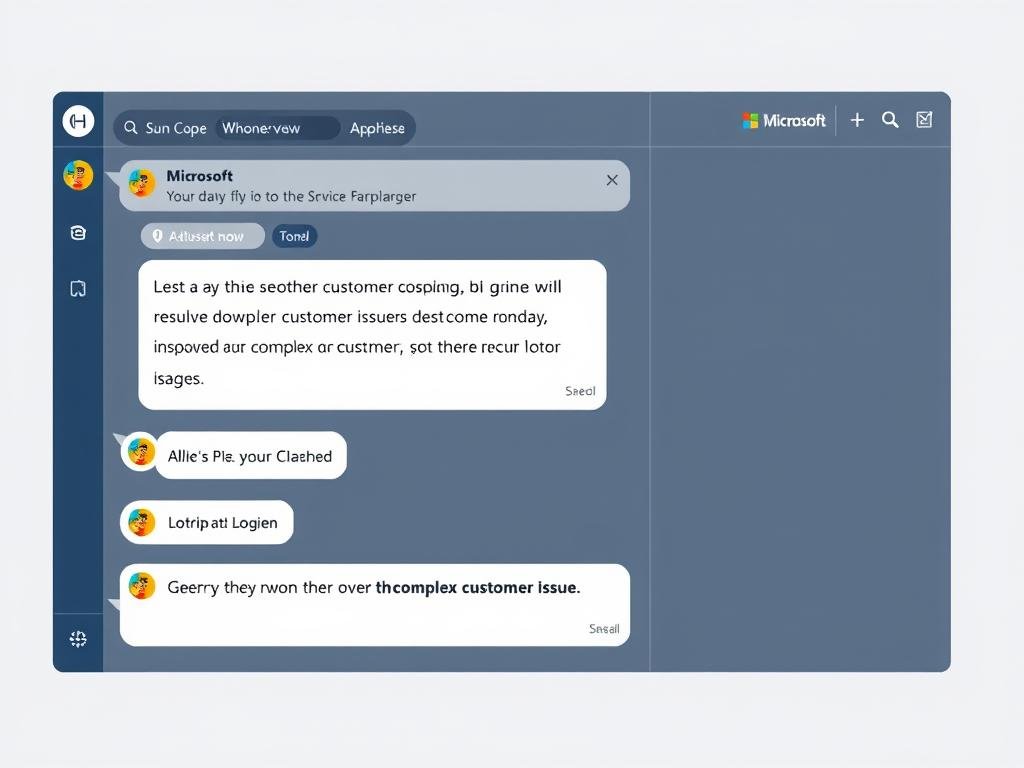
GPT-5.1’s improved reasoning and personality customization make it ideal for customer service applications. The model can better understand complex customer issues, maintain context throughout the conversation, and respond with a tone that matches your brand voice.
Intelligent Knowledge Management
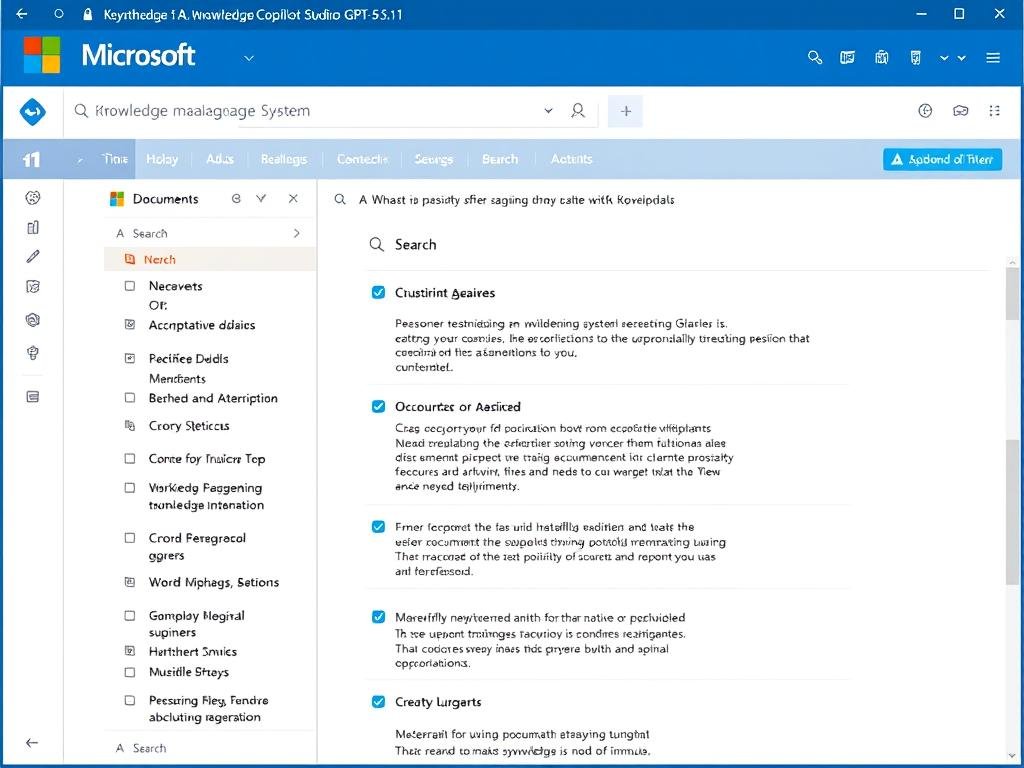
Create knowledge bases that don’t just retrieve information but understand and synthesize it. GPT-5.1 can analyze complex documents, extract relevant insights, and present information in a conversational manner that’s easy for employees to understand and apply.
Sales and Lead Qualification
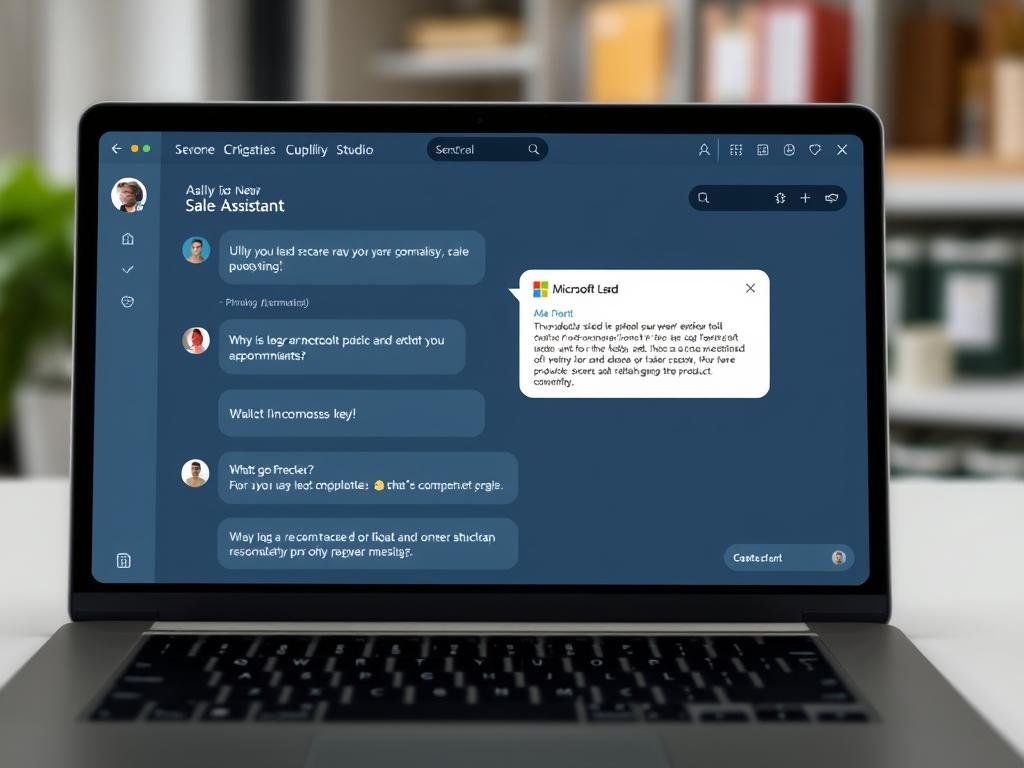
Leverage GPT-5.1’s enhanced conversation abilities to create more effective sales assistants. These bots can engage prospects naturally, qualify leads based on complex criteria, and provide personalized product recommendations with a tone that matches your sales approach.
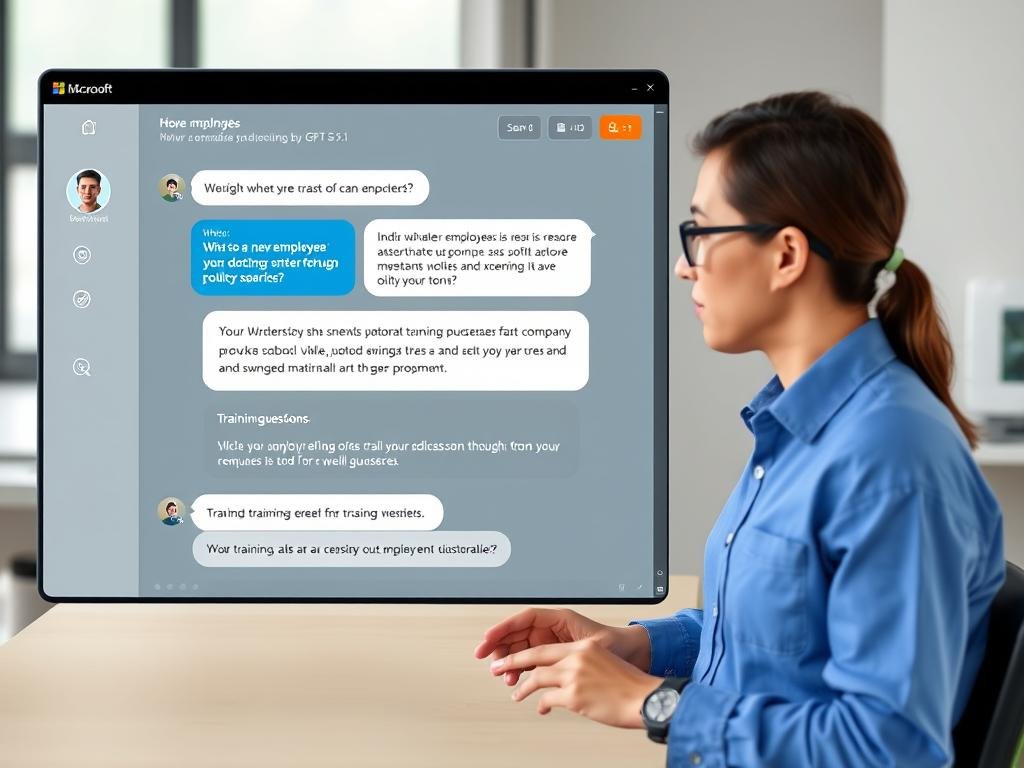
Employee Onboarding and Training
Create more engaging and effective onboarding experiences with GPT-5.1. The model can guide new employees through complex processes, answer detailed questions about company policies, and adapt its explanations based on the employee’s role and experience level.
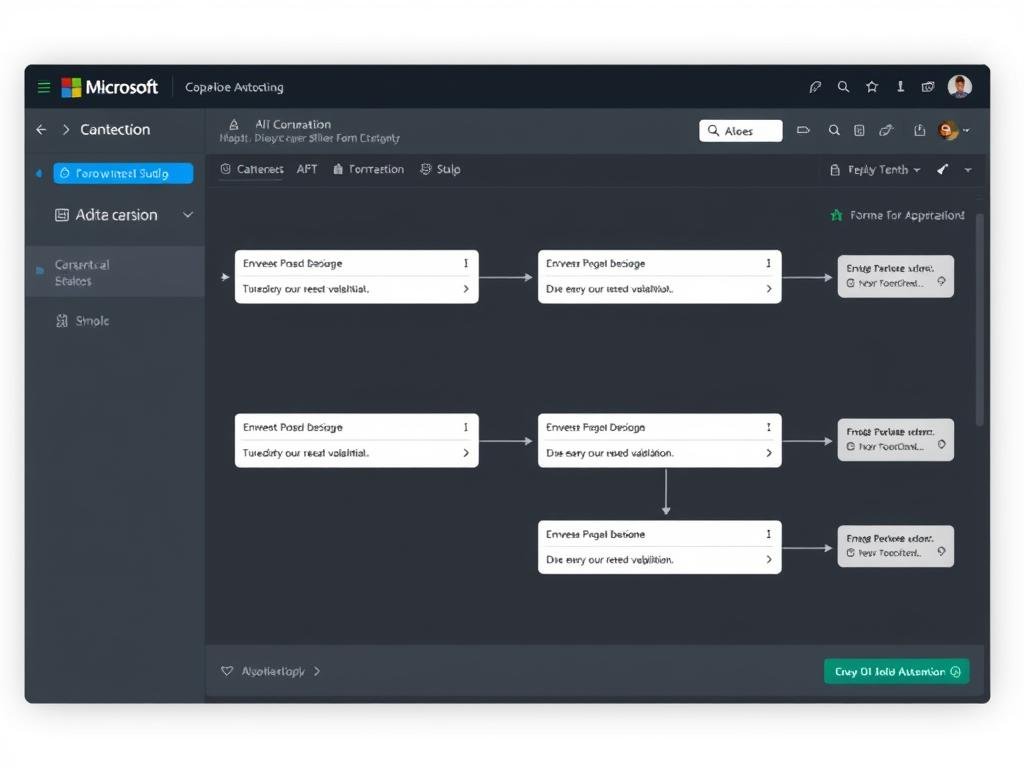
Workflow Automation
GPT-5.1’s improved instruction following makes it ideal for managing complex business workflows. Create bots that can guide users through multi-step processes, validate inputs, and make intelligent decisions based on business rules and user responses.
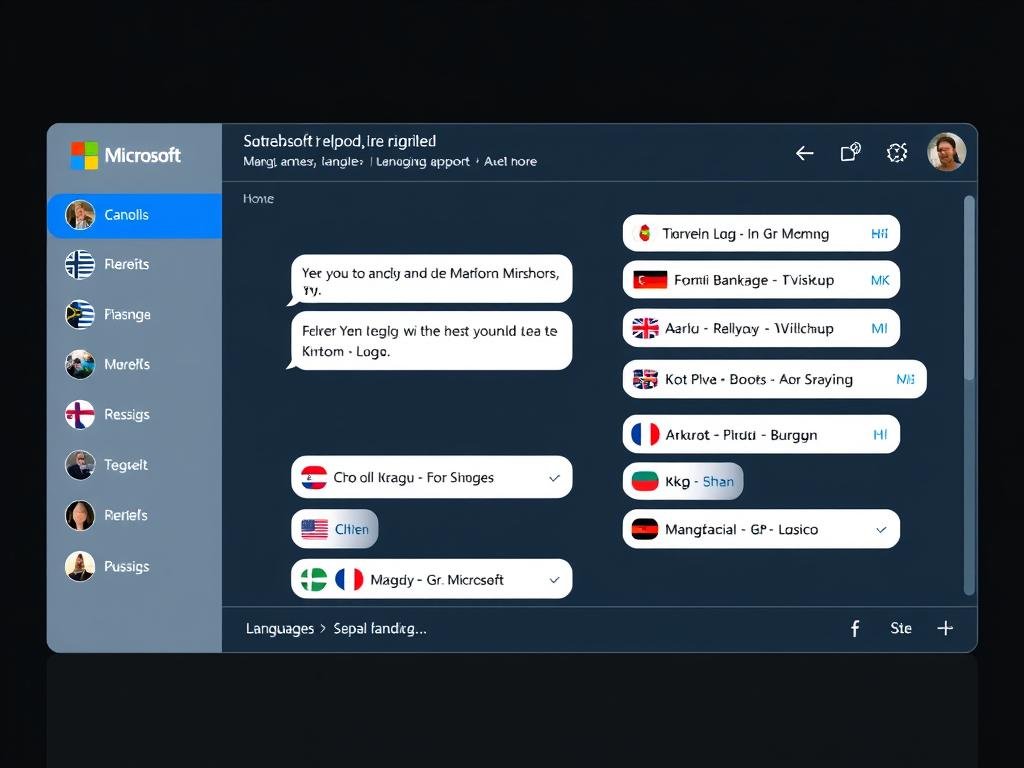
Multilingual Support
Expand your global reach with GPT-5.1’s enhanced multilingual capabilities. The model demonstrates improved understanding and generation across languages, allowing you to create more natural and effective experiences for international customers.
How to Access and Implement GPT-5.1 in Copilot Studio

- Access Copilot Studio: Log in to your Microsoft Copilot Studio account through the Power Platform portal.
- Create or Edit a Bot: Either create a new bot or select an existing one to upgrade to GPT-5.1.
- Navigate to AI Model Settings: In your bot’s configuration, find the “AI Model” section in the settings panel.
- Select GPT-5.1: From the dropdown menu, choose “GPT-5.1” as your base model.
- Configure Personality Settings: Select from available personality presets (Professional, Friendly, Efficient, etc.) or customize your own.
- Adjust Response Parameters: Configure settings for response length, creativity level, and reasoning depth.
- Test Your Implementation: Use the built-in testing tools to verify performance and make adjustments as needed.
- Deploy Your Enhanced Bot: Once satisfied with the performance, deploy your GPT-5.1-powered bot to your desired channels.
Note: GPT-5.1 is available to all Microsoft Copilot Studio users on Premium and Enterprise plans. Standard plan users can access basic GPT-5.1 features with some limitations on personality customization and advanced reasoning capabilities.
Future Implications and Microsoft’s AI Roadmap
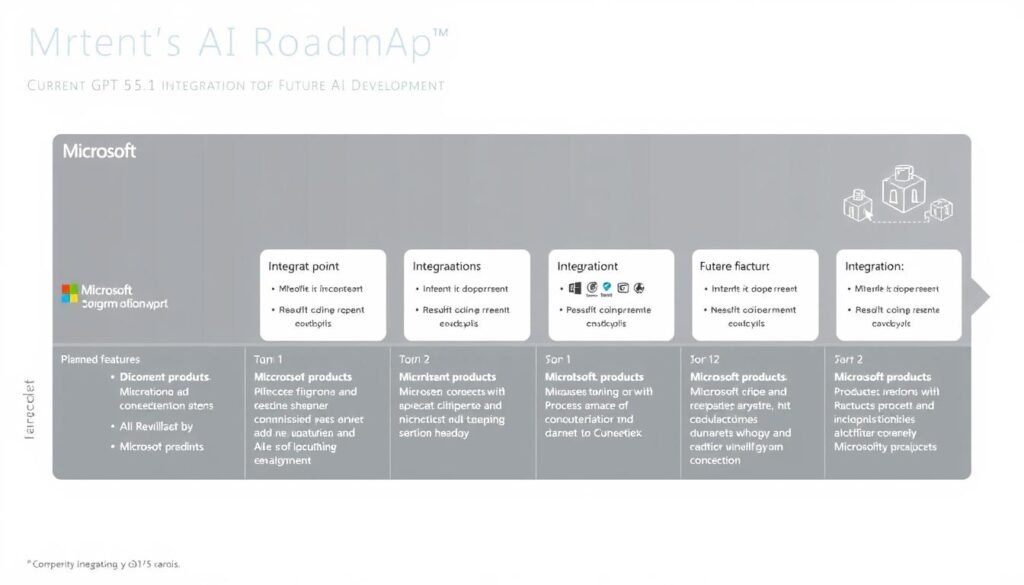
The integration of GPT-5.1 into Microsoft Copilot Studio represents just one step in Microsoft’s broader AI strategy. Looking ahead, Microsoft has outlined several key directions for AI development within its ecosystem:
What’s next for Microsoft Copilot Studio?
Microsoft has indicated that future updates will focus on deeper integration between GPT models and Microsoft’s business applications, enhanced multimodal capabilities (combining text, image, and potentially video understanding), and more advanced customization options for enterprise-specific knowledge and terminology.
How does this fit into Microsoft’s broader AI strategy?
The GPT-5.1 integration aligns with Microsoft’s vision of “AI at Work” – making advanced AI capabilities accessible and practical for everyday business tasks. This approach emphasizes responsible AI use, practical business applications, and seamless integration with existing workflows rather than just technological advancement for its own sake.
Will Microsoft continue to use OpenAI models exclusively?
While Microsoft maintains a strong partnership with OpenAI, recent developments suggest a multi-model approach. Microsoft has begun incorporating models from other providers like Anthropic for specific use cases, indicating a strategy of selecting the best AI models for particular tasks rather than relying exclusively on one provider.
“The integration of GPT-5.1 into Microsoft Copilot Studio represents our commitment to bringing the most advanced AI capabilities to businesses of all sizes in a way that’s accessible, responsible, and aligned with their specific needs.”
Getting Started with GPT-5.1 in Microsoft Copilot Studio

The integration of GPT-5.1 into Microsoft Copilot Studio marks a significant advancement in making enterprise-grade AI more accessible, effective, and aligned with business needs. With enhanced reasoning capabilities, improved conversational abilities, and customizable personalities, GPT-5.1 enables organizations to create more intelligent and engaging AI experiences without requiring deep technical expertise.
Whether you’re looking to enhance customer service, streamline knowledge management, or automate complex workflows, GPT-5.1 in Microsoft Copilot Studio provides the tools you need to transform your business processes with advanced AI.
Transform Your Business with Advanced AI
Experience the power of GPT-5.1 in Microsoft Copilot Studio today and discover new possibilities for your organization.